

Cart
0
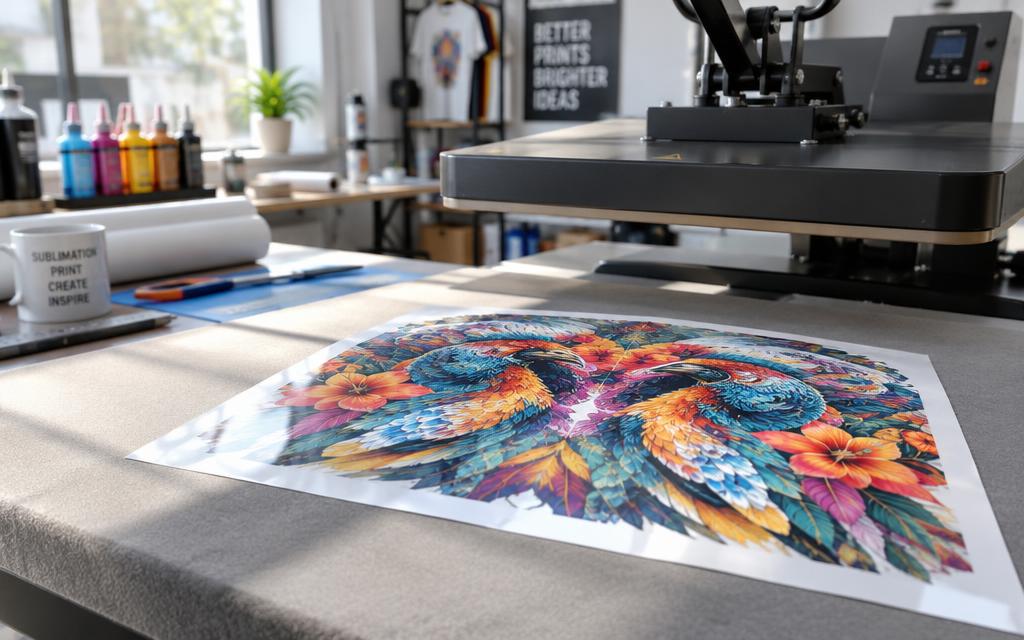
Sublimation printing is done by printing a mirrored design with sublimation ink onto transfer paper. Then a heat press presses that paper into a polyester or coated blank. The heat turns the ink into gas that sinks into the blank, so the print will not crack or peel.
Maybe you want team jerseys with names on the back, or a mug that looks better than the store version. Many home crafters and small shop owners start this way. A small setup can make crisp custom prints without a big budget.

A basic home setup needs three core tools: a printer that takes sublimation ink, special transfer paper and a heat press. Transfer paper is paper coated to hold sublimation ink, printed in mirror image and released as a gas under heat. These three parts work together to move the design onto the blank.
Key Takeaways
- Sublimation printing uses heat to turn dye into gas that bonds with the blank.
- Only polyester and polymer-coated blanks take the dye.
- A regular printer and regular ink cannot do this job.
- A home iron cannot replace a heat press.
- Test on scrap at 400 F for 45 seconds before a real order.
Start with polyester or coated blanks, since cotton and bare wood will not take the dye.
What Sublimation Means and Why the Dye Bonds
Sublimate means a solid turns directly into a gas with no liquid stage, the way dry ice does. The process of sublimation has a simple mechanism: heat opens the polymer coating, gas enters, and cooling locks the dye. Sublimation printing uses this same change to move dye into a blank.

Solid to gas without a liquid stage
Dry ice turns from solid to gas at -78.5 C at normal air pressure, so it never forms a puddle. The reverse change, from gas back to solid, is called deposition. Frost on a cold window forms by deposition.
The name dye-sublimation came from the idea that the dye jumps straight from solid to gas. The more accurate term is dye diffusion. Many shops still use the older name, so you will hear both.
Why the print sits inside the material
During pressing, heat opens the fibers and coating of the blank. Dye gas moves into those open spaces and fills them. When the blank cools, the spaces close and lock the dye in place.
The dye ends up inside the blank, not on top of it.
Because nothing sits on the surface, a finished print has no thick edge and cannot peel like a sticker. You cannot feel the design with your fingers, and the print will not crack after washing. Judge the printout only after pressing, since the true colors appear only then.
How Sublimation Printing Equipment Works
No, a regular printer cannot do this, because regular ink does not turn into a transfer under heat. Sublimation machines work in two steps: a printer prints the design, then a heat press moves it into the blank. The equipment for this needs a converted inkjet or a dedicated sublimation printer.

The printer and ink
A sublimation printer lays the mirror-image design onto transfer paper using sublimation ink. The printer must be built for this ink or converted to use it. Each part has one job in the chain.
- Sublimation printer: prints the mirror-image design with sublimation ink.
- Sublimation ink: a dye that turns to gas under heat.
- Transfer paper (sold as sublimation paper): holds the ink until the press moves it.
- Heat press: supplies heat and pressure to the blank.
The press that delivers heat and pressure
A home iron is not a substitute for a heat press because it gives uneven heat and pressure. A heat press holds steady heat across the whole transfer. A flat platen press suits shirts and flat items, while a mug press wraps heat around cylinders like tumblers.
Even contact matters, because a loose press leaves pale patches. Buy sublimation ink made for your printer model, not the ink that shipped with it.
Which Blanks Take Sublimation Ink
Only polyester and polymer-coated items take sublimation, so a plain cotton tee or bare mug will show nothing. The dye bonds with polyester fibers or a polymer coating, and cotton fibers do not hold it. A dark fabric shows nothing either, because sublimation ink is translucent and needs a light base.

Polyester apparel and blends
A 100% polyester shirt is the basic supply for apparel printing, and the print sits right in the fabric. Blends with at least 65% polyester may print slightly faded, so check the fiber mix first. Athletic makers often sell moisture-wicking polyester tanks that suit sublimation, since the print stays flat and does not peel.
Coated hard goods
Mugs, tumblers, phone cases, metal signs and coasters take sublimation when they carry a polymer coating. Bare wood does not take the dye, even when it looks smooth.
| Material | Result | Why |
|---|---|---|
| 100% polyester shirt | Prints well | Dye bonds with polyester fibers |
| Blend with 65% or more polyester | Slightly faded | Less polyester to bond with |
| Cotton tee | Shows nothing | Dye does not bond to cotton |
| Polymer-coated mug | Prints well | The coating takes the dye |
Check the label or product page for the word sublimation before buying a blank.
Step by Step Sublimation Printing at Home
The sublimation process takes about 45-60 seconds at 385-400 F for a shirt, plus cooling time. Pre-pressing and taping add a few minutes of setup before the first press. Work through the list step by step, since the order matters.

Prepare the design and the paper
Mirror the design before you print, so the text reads correctly once it moves onto the blank. Clean vector artwork keeps edges sharp when you resize it, which helps with small lettering. Use a lint roller on the blank before you press, so loose fibers do not sit under the transfer.
Press the transfer
Pre-press the blank before anything else, since moisture and wrinkles cause uneven color. Keep the heat-resistant tape off inked areas, or the tape can leave marks.
- Mirror the design in your design software.
- Print the mirrored design on transfer paper with sublimation ink.
- Pre-press the blank for 5-10 seconds.
- Place the transfer face down and tape it in place.
- Cover the platen with butcher paper or a Teflon sheet.
- Press at 385-400 F for about 45-60 seconds.
- Peel the paper after the blank cools.
Peel and cool
The colors look dull when the press opens, but they deepen as the blank cools. Wait for the blank to cool before you handle the print, so the design can set.
Lift the press straight up so the design does not ghost.
Heat Press Settings for Common Blanks
For polyester apparel, start at 400 F for 45 seconds at medium pressure and test. Good heat press settings start from a tested number, not a guess. The usual range for polyester goods is 380-420 F, and the right temperature depends on the blank and the press.
Run a sample press on scrap before a production run, and check the blank maker's instructions. Errors with uniform printing mistakes often start with skipping that step.
Shirts and coasters
Polyester shirts start at 400 F, 45 seconds and medium pressure. Coasters often run close to the same range, so test them before a batch.
| Blank | Temperature | Time | Pressure |
|---|---|---|---|
| Polyester shirt | 400 F | 45 seconds | Medium |
| Polyester goods, usual range | 380-420 F | 45-60 seconds | Medium |
| Ceramic mug | 350-400 F | 150-300 seconds | Firm, even contact |
Mugs and cylinders
Ceramic mugs need a lower start, at 350-400 F for 150-300 seconds. Keep the mug in the press with firm, even contact so the print covers the whole curve.
Set the timer before you start each mug. Log each setting, since a working batch is easy to repeat when the numbers are written down.
Safety and Ventilation While Pressing
Open a window and turn on a fan before the first press. A heat press runs very hot, and hot items stay hot long after the press opens. Good ventilation keeps the room fresh and supports safety during long sessions.

Use these checks before each session:
- Wear heat-resistant gloves when you lift a blank out of the press.
- Keep children and pets away from the press while it is hot.
- Check the power cord for cracks before you plug in the press.
- Set hot items on a heat-safe tray to cool.
Never use a standard kitchen oven for sublimation, because it heats unevenly and is used for food. A craft-only oven is the right tool for that job, since it stays away from food. Keep the press off the counter and back on its base after every use.
Common Fixes for Faded, Ghosted and Spotty Prints
Your sublimation print looks faded because the press ran too short, too cool or too light. A faded print is usually a timing or heat problem, so check those settings first. Run a test press on scrap before you change the next setting.

A too-hot press makes black look brown.
Ghosting shows as a blurred double edge, and it comes from movement during pressing. Re-tape every edge of the transfer and keep the press still while it closes.
A spotty transfer usually comes from moisture or lint on the blank. Dry the blank well and remove loose fibers from the surface before you press.
Change one setting at a time so you know which change fixed the print.
Conclusion
Sublimation prints last because the dye becomes part of the blank. Sublimation printing works only on polyester or polymer-coated blanks, and a heat press must supply steady heat. Once that first print looks right, the rest of the batch is far easier.
Order a few sublimation blanks, print one test design and press it before the first real order.
FAQ
Can I do sublimation with a regular printer?
No, a regular printer cannot do sublimation, because regular ink does not turn into a transfer under heat. You need sublimation ink and a printer that is built for it or converted to use it. The printed design then goes onto transfer paper, which holds the ink until the heat press moves it into the blank. Without that chain, the print stays on the paper and never reaches the blank.
Why does my sublimation print look faded?
Your print usually looks faded because the press ran too short, too cool or too light. Start with 400 F for 45 seconds at medium pressure on polyester, then test on scrap before you change anything. Blends with at least 65% polyester may print slightly faded, so check the fiber mix. Compare the print to the design after the blank has cooled, since colors deepen as it cools.
How long does the sublimation process take?
The sublimation process takes about 45-60 seconds at 385-400 F for a shirt, plus cooling time. Pre-pressing takes 5-10 seconds, and taping and setup add a few minutes before that. Waiting for the blank to cool lets the colors deepen before you judge the print. A batch of ten shirts takes longer mainly because each one needs its own setup.
Can sublimation be used on cotton?
No, cotton does not bond the dye, so the design will not take on a cotton tee. Use a 100% polyester shirt or a polymer-coated blank instead for sublimation. If you want a print on cotton, look at DTF or HTV. DTF means direct-to-film transfer, and HTV means heat transfer vinyl. Both sit on top of the fabric rather than inside it.
What is ghosting and how do I avoid it?
Ghosting is a blurred double edge that appears when the transfer moves during pressing. Tape every edge of the transfer so nothing shifts, and keep the press still while it closes. Lift the press straight up when you open it, since a sideways lift can drag the paper and blur the edge.


